BUILDING AI AGENT (AI ASSISTANT)
Building a complete AI Agent follows the same foundation as building an AI Persona — but the system prompt works a little differently. Where an AI Persona focuses on personality and conversation style, an AI Agent’s system prompt needs to define specific operational fields: customer classification, order details, pricing tiers, promotional conditions, credit scores. These are what allow the Agent to advise accurately and automatically filter out customers with a history of canceling COD orders.
You should be comfortable building an AI Persona before writing a system prompt for an AI Agent — the concepts build directly on each other. In this example, I use AI Agent Kristine — Vietnamese name Khánh Linh — to manage the full workflow from customer consultation and order closing, to organizing distributors and affiliate partners, and logging contact information into the sheet.

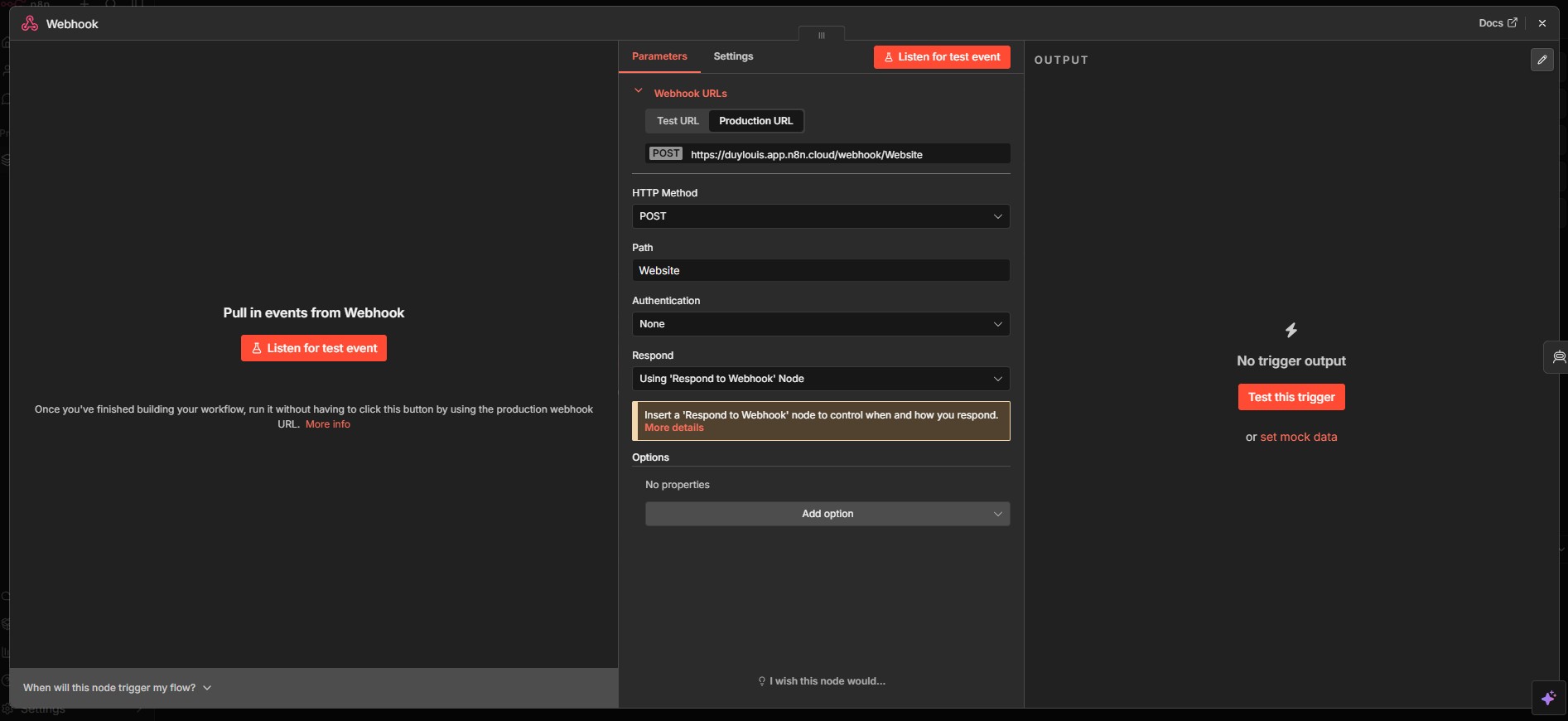
Node 1 — Webhook (Trigger)
Receives incoming messages from customers — via Facebook Messenger, a website chat widget, or any platform that can make an HTTP request. Every time a customer sends a message, the webhook fires and kicks off the entire workflow immediately.

Node 2 — AI Agent
The center of the entire workflow. The AI Agent receives the customer’s message, reads context from Redis Memory, calls Tools to look up product information, promotions, and credit scores — then decides on the right response on its own. The highlighted section in the screenshot is the system prompt — this is where you define the Agent’s personality, order handling rules, customer classification logic, and all the business rules it needs to operate. My system prompt runs a few thousand words.

Node 3 — Anthropic Chat Model (sub-node)
The actual AI model running underneath the Agent. I use Claude Haiku — with a complex system prompt several thousand words long, Sonnet would cost 2–3x more per response. Haiku handles consultation and order-closing workflows completely fine, at around $0.01 per response.

Node 4 — Redis Memory (sub-node)
The Agent’s short-term memory — stores conversation history per customer session. Every time a customer sends a message, the Agent reads back the context from Redis before replying, keeping the conversation continuous without losing thread. Redis is also why response time gets faster over time — sessions with existing data read from cache much quicker than fresh sessions.

Node 5 — Check-Credit (Tool sub-node — Supabase)
A tool that looks up the customer’s credit score from Supabase — based on their purchase history and COD cancellation record. If the score falls below the threshold, the AI Agent automatically requires prepayment instead of allowing COD. Risk is filtered at the consultation stage, no human intervention needed.
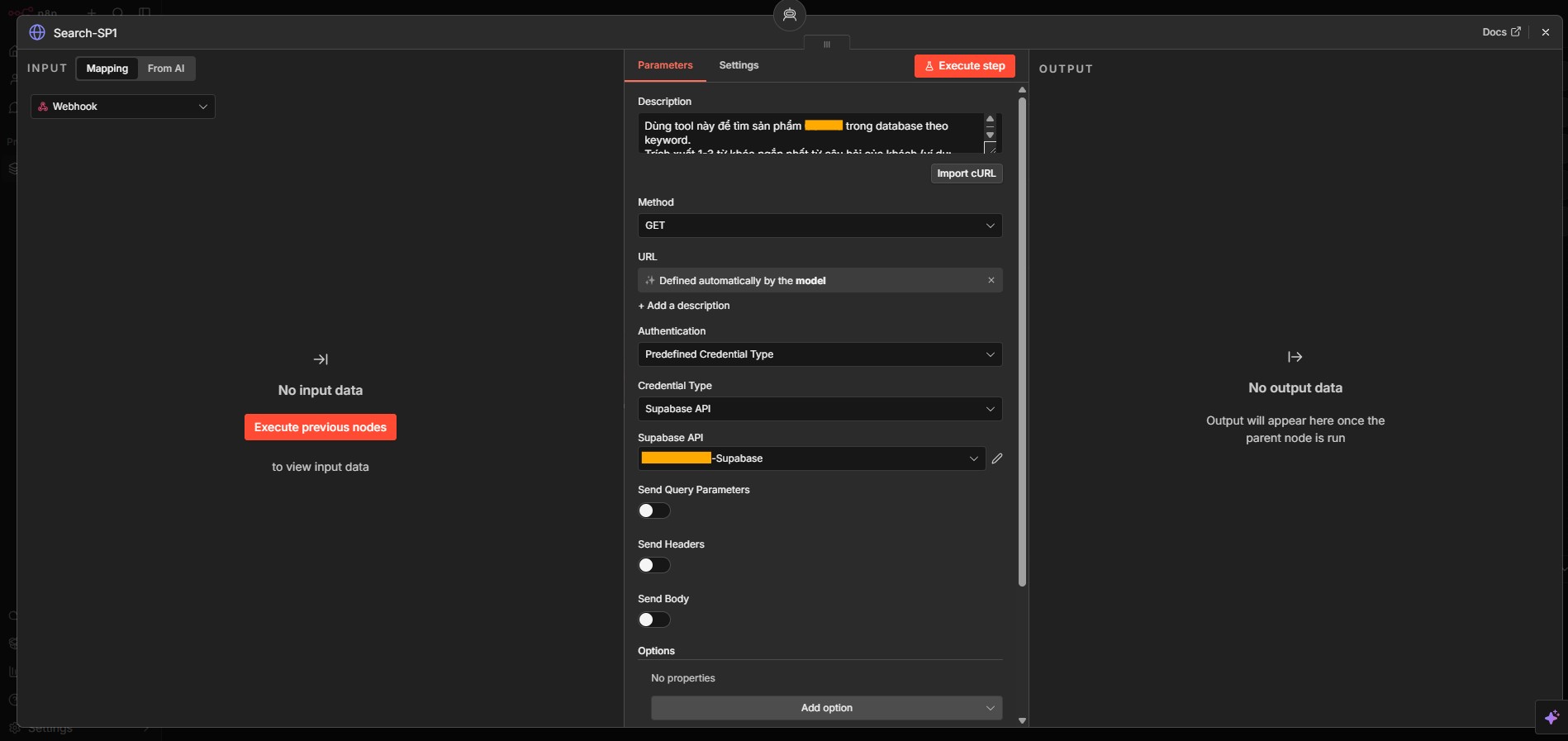
Node 6 — Search-Product (Tool sub-node — Supabase)
A tool that looks up product information from Supabase — name, product code, price, stock level, description. The AI Agent calls this tool when a customer asks about a specific product, ensuring the information returned is always accurate and reflects real-time data in the system.

Node 7 — Search-Promotion (Tool sub-node — Supabase)
A tool that looks up currently active promotions — synced from a dedicated tab in Google Sheets into Supabase. The AI Agent calls this when it needs to apply or advise on promotions, without any staff member needing to remember or manually update each campaign.

Node 8 — Code in JavaScript
Processes and formats all output from the AI Agent before passing it downstream — normalizes order data, formats the reply message, or prepares the payload for systems like Google Sheets or the auto-print pipeline. This node is the bridge between what the AI outputs and what the rest of the workflow needs.

Node 9 — Respond to Webhook
Sends the AI Agent’s response back to the originating platform — Facebook Messenger, website chat widget, or whatever system made the initial webhook call. This is the final node in the request-response loop, closing out the full consultation cycle.
Response speed: The entire workflow runs fast — just a few seconds to respond to a customer. Once Redis starts storing that customer’s chat history, it drops down to around 1–2 seconds.
Redis (Upstash): Essentially costs nothing — the free plan covers most use cases. Use it without worrying.
Claude Console: Go with Haiku. Sonnet costs 2–3x more — only consider it if you’re running a luxury brand where reply quality justifies the cost.
Prepare everything before building: Make sure you’re comfortable building an AI Persona first. If you get stuck, talk it through with your AI Persona — or reach out to me directly. Contact info is on the website.
Good luck.